This is the step that turns your assistant on for real: making sure calls actually reach it.
Two honest choices
Hand out your new number. It's a real local number that takes calls (and texts, after registration). Put it on your website, your Google listing, your cards — done, nothing to forward. It's set in big type on the dark card at the top of the go-live screen — your assistant "is live at" it — with Copy the number.
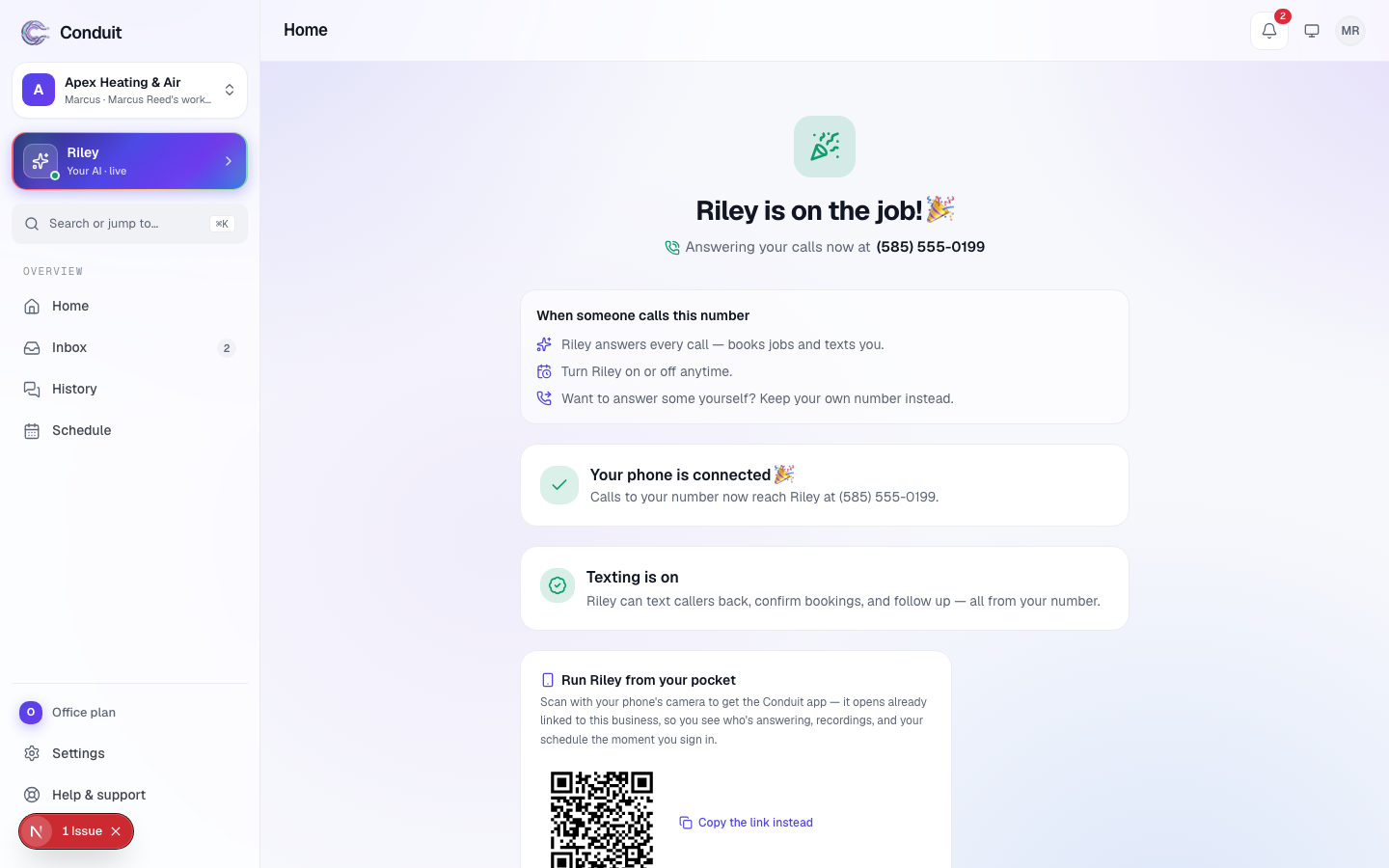
Keep your number and forward it. Your customers keep dialing the number they know. Under Send your calls to your assistant (the screen uses its name) — on the go-live screen right after you pay, and on Home until a forwarded call comes through — choose how calls reach you:
- Ring me first, then your assistant — your phone rings first; only the calls you miss roll to your assistant.
- Send every call — every call goes straight to your assistant; your phone won't ring.
Then pick your carrier from the row of carrier buttons (Not listed if yours isn't there), and the exact code appears under Dial this code, with Copy.
Dial the code from the phone you're forwarding — or scan the QR under Finish on your phone (or Copy the link instead) to open the same steps on that phone. The off code sits right under it: "To undo it any time, dial …", with its own Copy. Save … to your contacts (it carries your assistant's name) adds its number to your phone's contacts, so its calls show up by name in your call log. The first time a forwarded call comes in, the line at the bottom turns teal: Connected. The per-carrier codes are in forwarding your existing number.
Verify your cell
Home's setup list also has Verify your cell: it opens Settings → Phone & texting, where a one-time code confirms the number. That's the number your assistant calls when someone has an emergency, and it's required before Ring me first can be switched on there.
What's next
Time to hear it for yourself: make your first test call — step 5.
Common questions
Do I have to change my phone number?
No. Keep your number and forward calls to your assistant — only the ones you miss, or every call. You set it with one code on your phone and undo it with another.
Why do you ask for my carrier now?
Because the forwarding code depends on it. We ask when we need it, not before.
Related
- Create your account and set up your businessStep 1 of 6: sign up free and tell Conduit about your business. Five setup screens, calls live the same day — you pay only when you go live.
- Getting around ConduitA quick map of Conduit: Home, Calls, Leads, Schedule, Inbox and your assistant down the left; search, the bell and your account across the top.
- Teach your assistant about your businessStep 2 of 6: review what the website scan found, add your services and the questions customers ask most — so it answers like someone who works there.
Stuck? Write to a person.
Email support@conduitapp.ai — a real person reads every message. No ticket bots, no phone tree.